
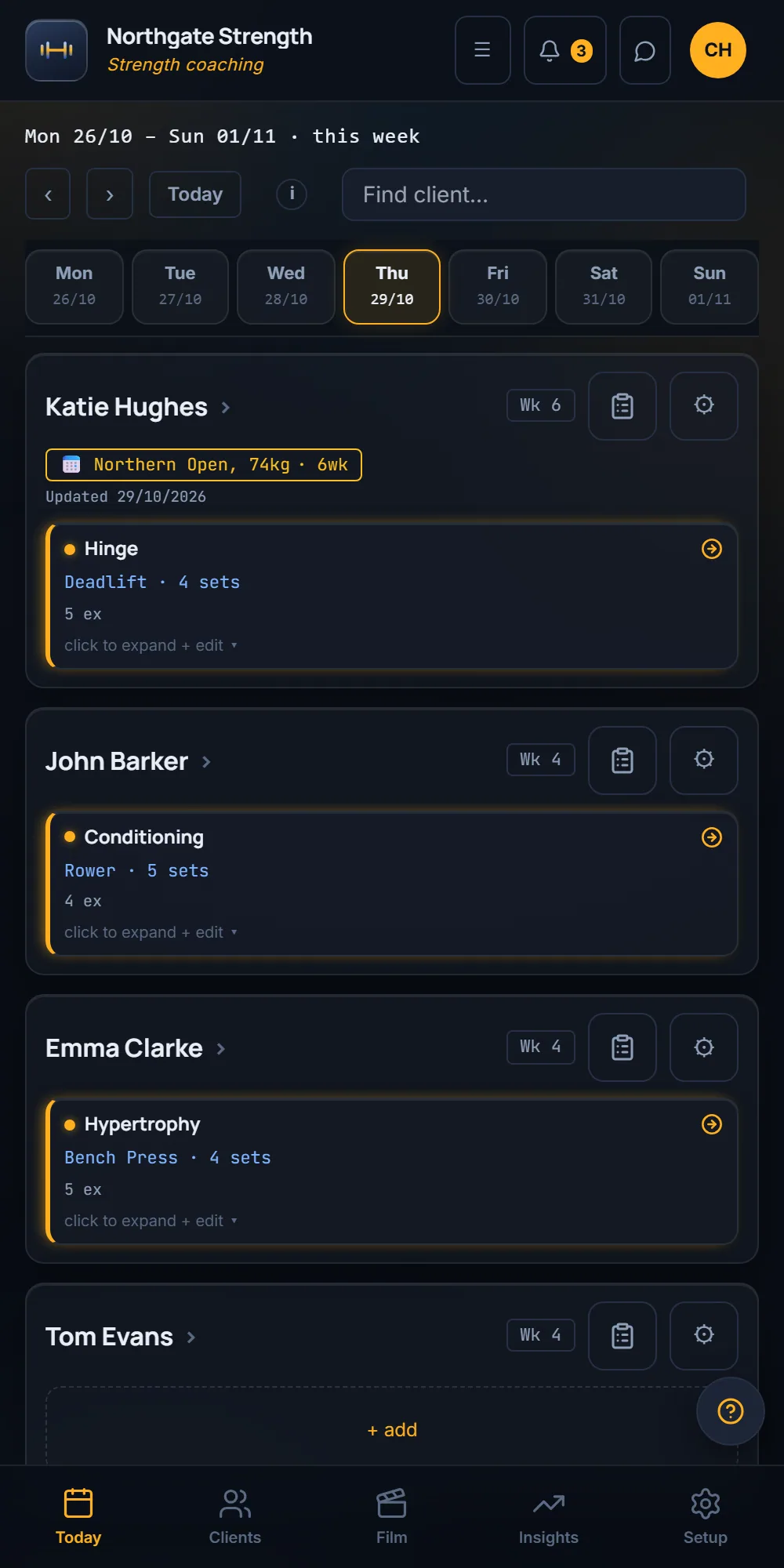
Four ways in for your programmes

Pick whichever way your programmes live today.
Paste
Paste your programmes in from your notes or a spreadsheet.
A .csv file
Add a .csv and each programme comes back as rows.
A PDF
A programme printed to PDF from your old app reads straight in as rows you can edit.
A screenshot
Add a screenshot of a programme and it comes back as rows.
Every row is yours to check, and nothing saves until you save. A programme of several weeks comes in as one programme, not loose sessions.

Move your clients across in one go.
Bring your client list in from a spreadsheet. You see a preview of who will be invited before anything is made.
| Example preview | From your sheet | Then |
|---|---|---|
| Katie Hughes | row 2 | Will be invited |
| John Barker | row 3 | Will be invited |
| Tom Evans | row 4 | Will be invited |
First steps, in order
- Fill in the trial form.We set up your studio with your name on it and send you the login.
- Bring your programmes in.Any of the four ways above.
- Check the rows and save.Edit any row first.
- Invite your clients.Straight from your spreadsheet.